Last updated: June 11, 2026
Actuals
Your actual financial performance — what really happened, not what you projected. Enter data manually or sync automatically from your accounting software.
Manual Entry
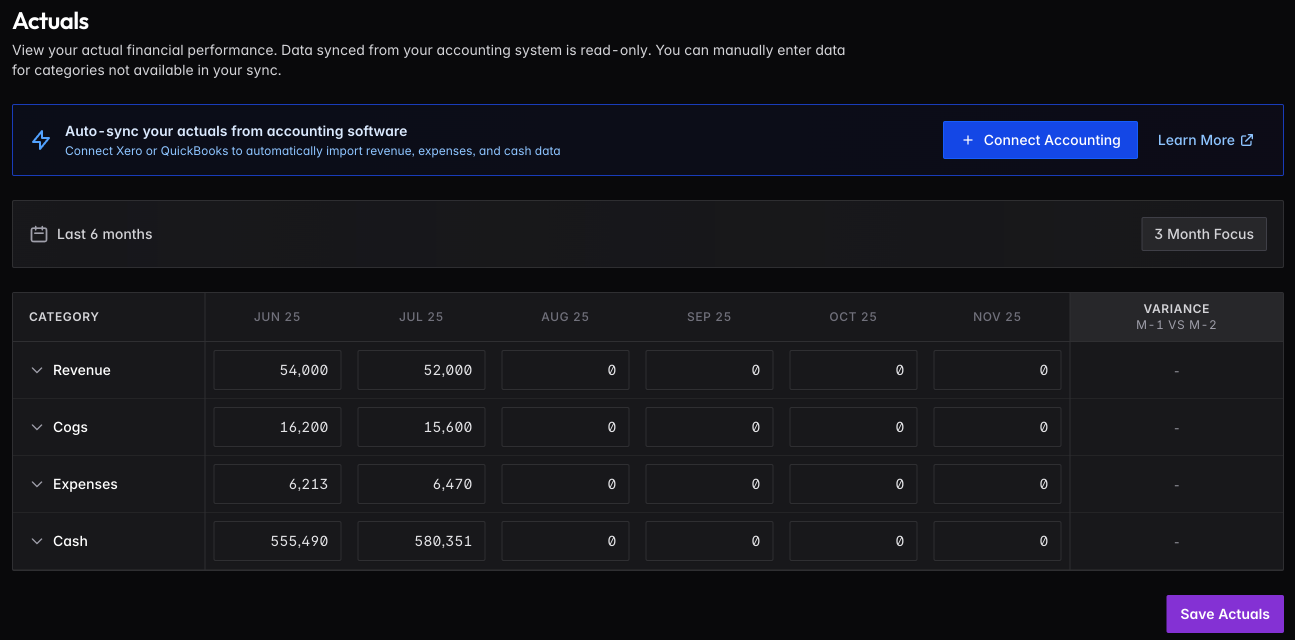
If you’re not using Xero or QuickBooks, enter values directly in the grid. Click any cell to edit — changes auto-save. Categories (Revenue, COGS, Expenses, Cash) expand to show subcategories.
Columns are added automatically as months pass. The variance column shows month-over-month changes.
Automated Sync
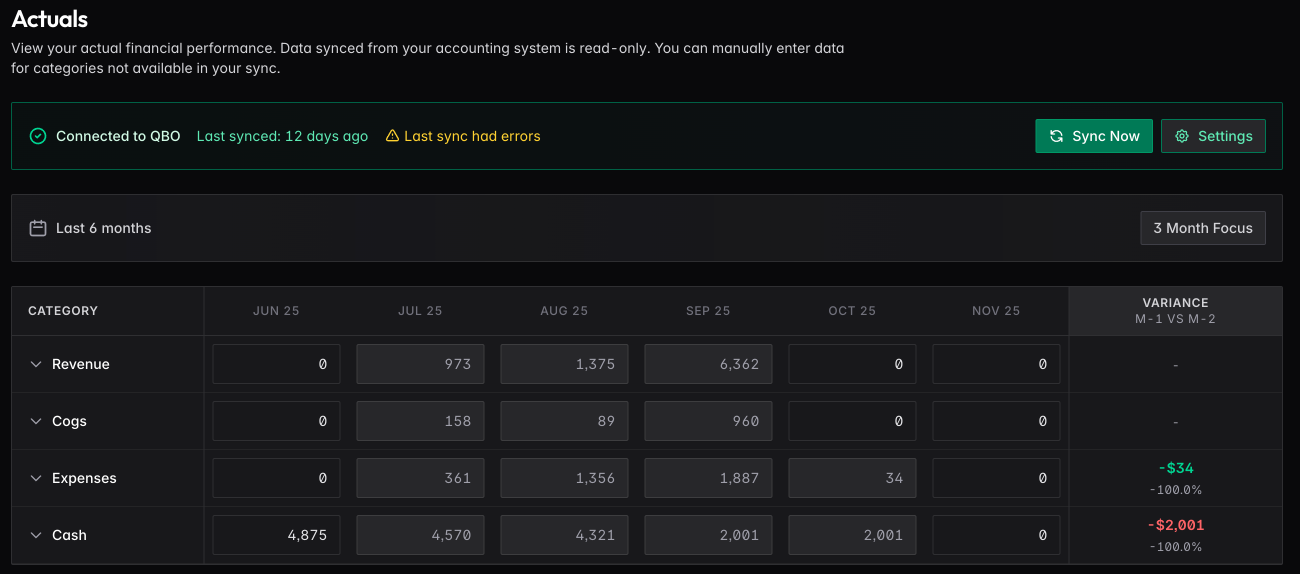
Connect Xero or QuickBooks to pull data automatically. Once connected, you’ll see sync status, last sync time, and any errors. Click Sync Now to pull the latest data immediately.
Synced data is read-only — the source of truth stays in your accounting system. You can still manually enter data for categories not covered by the sync.
See Accounting Integrations for setup details.